Custom rendering. Full control.
Inject CSS/JS, hide elements, set wait strategies, execute JavaScript before capture. Make every screenshot look exactly how you want.
Real output
Same page, different rendering
render.com captured with different rendering options — light mode, dark mode, and custom CSS injection.
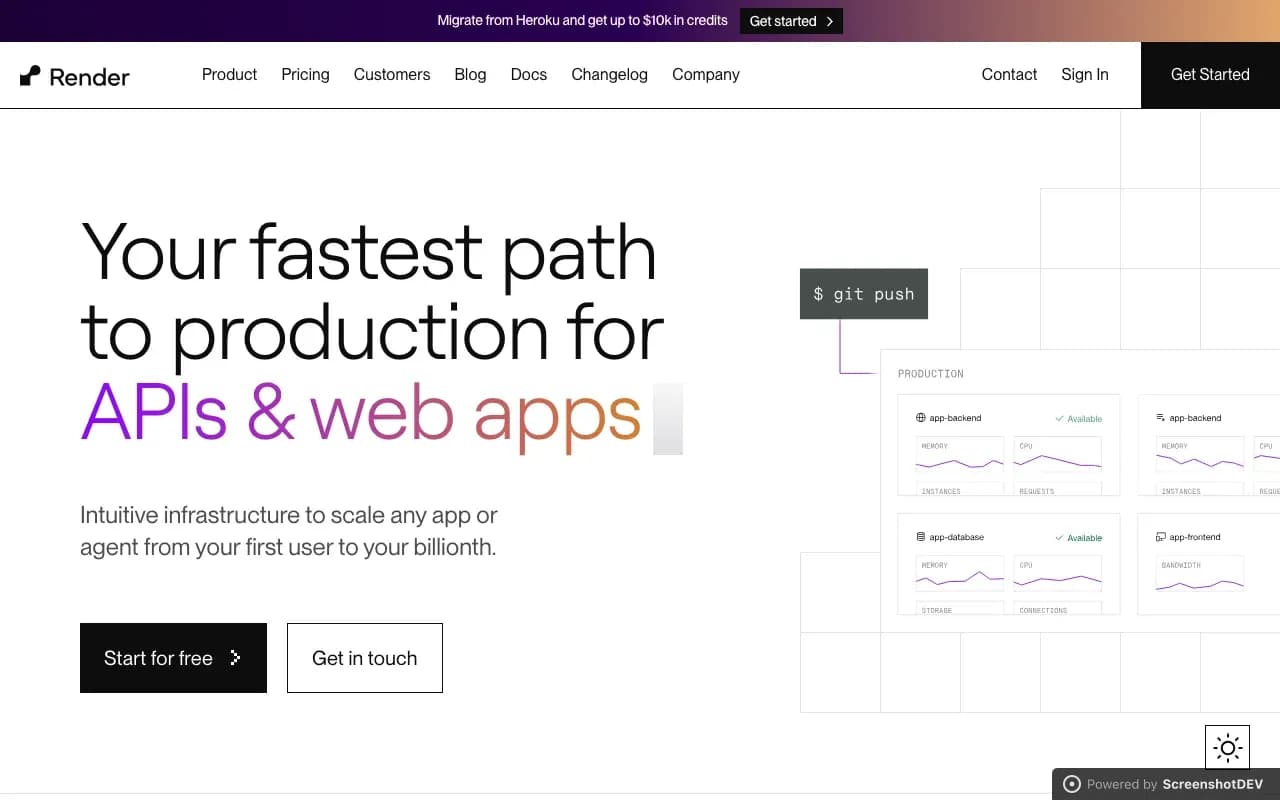
Default light mode

Forced dark color scheme

Custom CSS: full grayscale filter
Injection
Three ways to customize
CSS injection
Add custom stylesheets. Hide elements, change fonts, adjust colors, override any style before capture.
JavaScript injection
Execute scripts before capture. Click buttons, fill forms, dismiss dialogs, trigger animations.
Element hiding
Target elements by CSS selector to remove before capture. No CSS knowledge needed — just pass selectors.
CSS & selectors
Inject styles, hide elements
Use inject_css for custom stylesheets and hide_selectors to remove elements by CSS selector.
Both are applied before the screenshot is taken, giving you pixel-perfect control over the final output.
{
  "url": "https://example.com",
  "inject_css": ".cookie-banner { display: none } .hero { background: #1a1a2e }",
  "hide_selectors": [
    "#header-ad",
    ".newsletter-popup",
    "[data-testid='chat-widget']"
  ]
}
Wait strategies
Wait for the right moment
Wait for selector
Wait until a specific CSS selector appears in the DOM. Perfect for dynamically loaded content.
Wait for timeout
Wait a fixed number of milliseconds after page load. Simple but effective for animations.
Wait for network idle
Wait until the network has been idle for 500ms. Catches all async data loading.
Custom JavaScript
Execute a script that returns true when the page is ready. Maximum flexibility.
JavaScript execution
Execute scripts before capture
Click buttons, fill forms, scroll to elements, dismiss dialogs — anything you can do in a browser console, you can do before capture.
Combine with wait_for_selector to wait for the result of your script before taking the screenshot.
{
  "url": "https://example.com",
  "execute_js": "document.querySelector('.load-more').click()",
  "wait_for_selector": ".results-loaded",
  "wait_timeout": 5000
}
Your page, your rules
Inject CSS, execute JavaScript, wait for anything. Full rendering control.