Full-page capture. Every pixel.
Entire pages, specific elements, or viewport clips. Device presets, dark mode, retina up to 3x.
Real output
Same URL, three capture modes
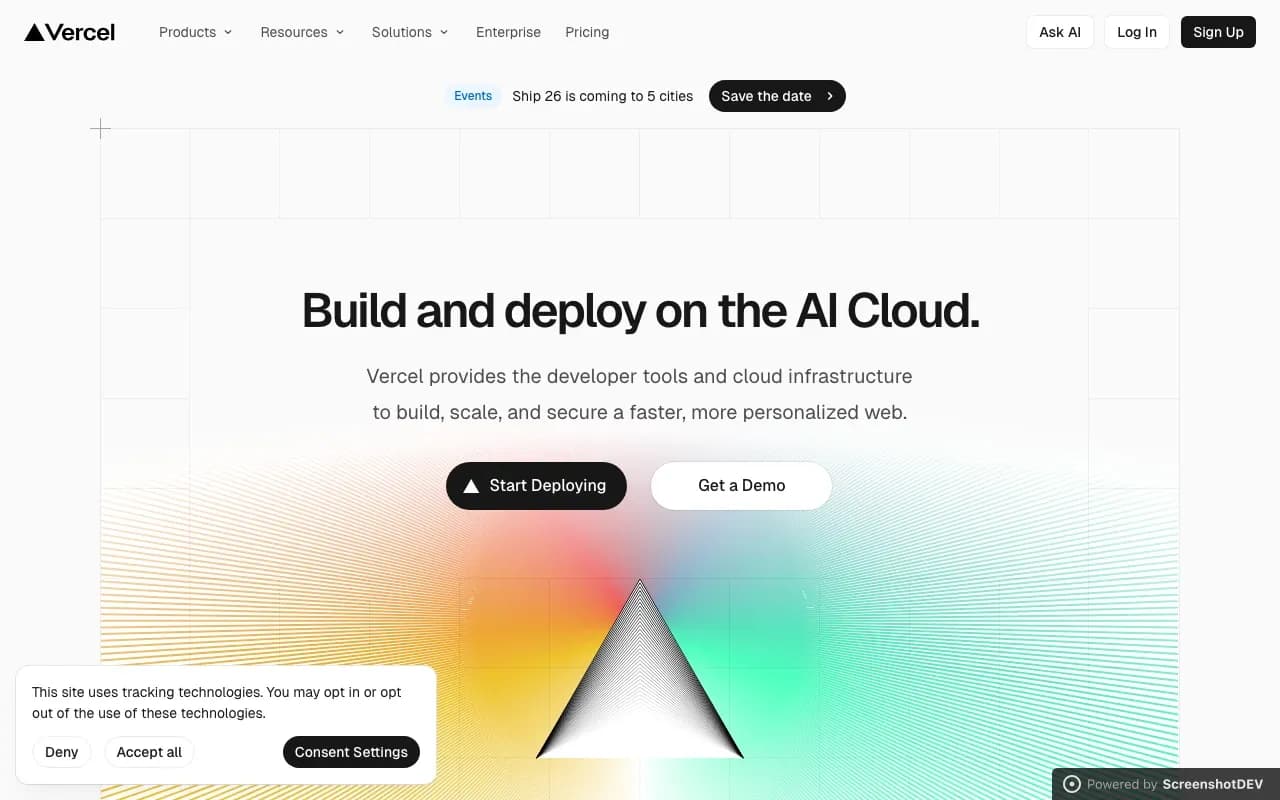
These screenshots were captured with our API. Same URL — different modes produce completely different results.

Full scrollable page — 655 KB

Above the fold only — 55 KB

Mobile device preset — 27 KB
Modes
Three ways to capture
Full page
Captures the entire scrollable page from top to bottom. No content cut off, no manual scrolling.
Viewport
Captures exactly what fits in the browser viewport. Configurable width and height.
Element
Target a specific CSS selector. Captures just that element with pixel-perfect boundaries.
Presets
Device presets built in
Common device dimensions ready to use. Or set any custom width and height.
API request
Full control in one request
Set the capture mode, viewport dimensions, device scale factor, color scheme, and output format — all in a single API call.
Combine full_page with device_scale_factor for crisp, full-length retina screenshots.
{
  "url": "https://example.com",
  "full_page": true,
  "viewport": { "width": 1280, "height": 720 },
  "device_scale_factor": 2,
  "dark_mode": true,
  "format": "webp",
  "quality": 90
}
Options
Rendering options
Retina up to 3x
device_scale_factor from 1 to 3. Crisp screenshots for high-DPI displays.
Dark mode
Force dark color scheme. Works with sites that support prefers-color-scheme.
Custom viewport
Any width and height. Not limited to presets — use exact dimensions for your use case.
Format & quality
PNG, JPEG, or WebP. Configurable quality from 1–100 for the perfect size/quality tradeoff.
High DPI
Retina-ready at 2x
Set device_scale_factor: 2 for crisp screenshots on high-DPI displays. Up to 3x supported.
This screenshot of vercel.com was captured at 2x — notice the sharp text and icons even when zoomed.
Capture exactly what you need
Full pages, elements, or viewports. Any device, any resolution.